Finance leader with 25+ years of experience across banking, infrastructure, and enterprise strategy.
Comparing two PDF files is essential when you need to identify changes between different versions of a document. Whether you're reviewing contracts, legal agreements, business proposals, invoices, or policy documents, manually checking every page can be slow and error-prone.
In this guide, you'll learn how to compare two PDF files online, the best methods available, common mistakes to avoid, and why AI-powered document comparison is becoming the preferred choice for professionals.
Why Compare Two PDF Files?
Businesses, legal teams, and other organizations often create multiple versions of the same document before approval. Comparing those versions helps ensure that every revision is reviewed accurately and that no important changes are overlooked.
Common situations include:
Reviewing legal contracts
Checking vendor agreements
Comparing business proposals
Auditing compliance documents
Reviewing HR policies
Tracking invoice revisions
Comparing financial reports
Reviewing government documents
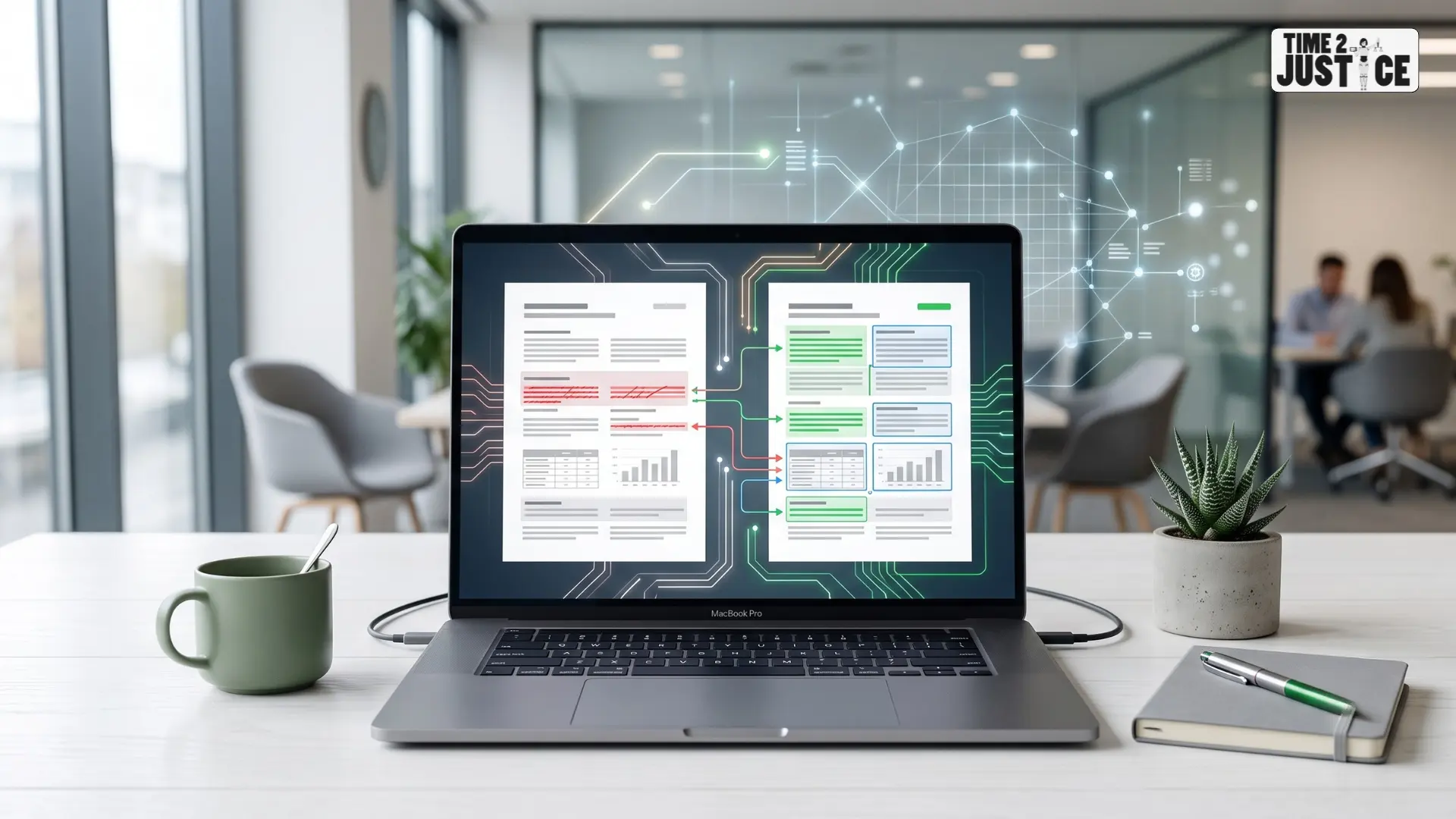
Instead of manually checking hundreds of pages, a PDF comparison tool highlights additions, deletions and modifications within seconds, saving time and improving accuracy.
How to Compare Two PDF Files Online
There are several ways to compare PDF files online, depending on the document type, the level of accuracy required and the complexity of the revisions.
Method 1: Compare PDF Files Manually
Open both PDF files side by side and review each page carefully.
This method works well for short documents with only a few changes.
Advantages
No additional software required
Suitable for small files
Useful for quick reviews
Limitations
Time-consuming
Easy to overlook small edits
Difficult for lengthy documents
Not suitable for legal or compliance reviews
Method 2: Use an Online PDF Comparison Tool
A PDF comparison tool automatically identifies differences between two files, making the review process faster and more accurate.
Typical steps:
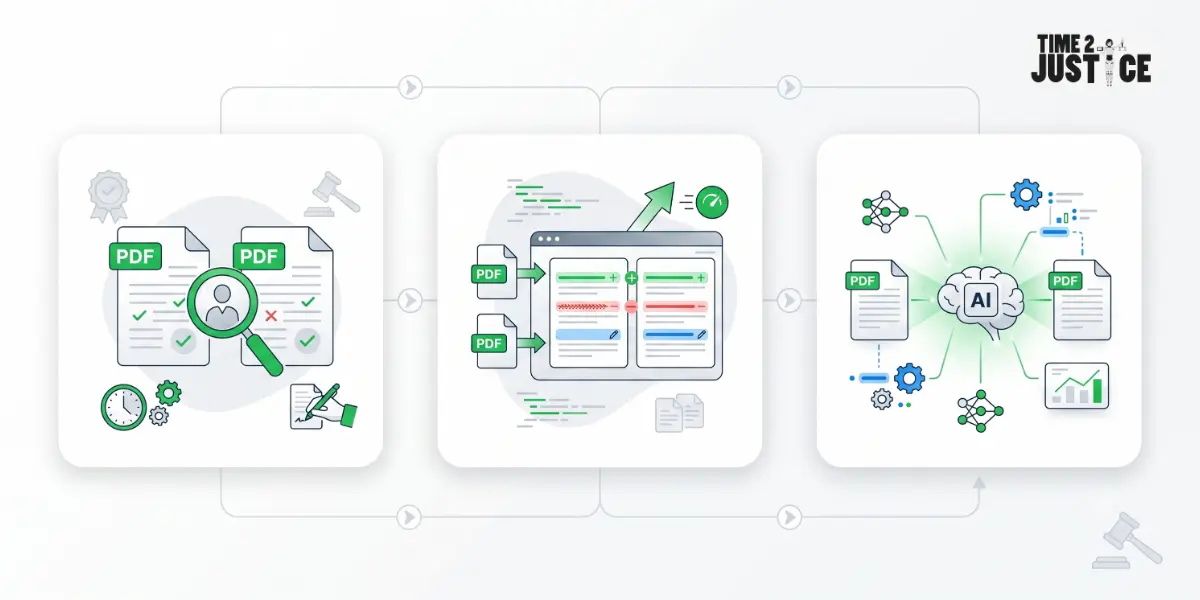
Upload the original PDF.
Upload the updated PDF.
Start the comparison.
Review the highlighted additions, deletions, and modifications.
About the Author
Neeraj Gutgutia
Co-founder, Time2Justice.ai
Neeraj Gutgutia is a Chartered Accountant and holds an MBA from IIM Indore. He has more than 25 years of experience working with companies like Reliance Industries, ICICI Bank, Hiranandani Group, and Right2Vote.
This is one of the fastest and most reliable ways to compare PDF files online while reducing the risk of missing important edits.
Method 3: Compare PDF Files Using AI
AI-powered document comparison goes beyond detecting simple text changes. It can identify:
Modified clauses
Structural changes
Missing paragraphs
Reordered sections
Contextual differences
AI comparison is particularly valuable for:
Legal contracts
Corporate agreements
Compliance documents
Financial reports
Procurement documents
Government records
AI-powered document comparison helps professionals review complex documents faster while reducing the risk of missing important changes.
Benefits of Comparing PDF Files Online
Using an online PDF comparison tool offers several advantages.
Save Time
Documents that may take hours to review manually can often be compared within minutes.
Improve Accuracy
Automated comparison helps detect even small changes that might otherwise go unnoticed.
Simplify Version Control
Quickly identify the latest version of a document and track revisions with confidence.
Enhance Team Collaboration
Legal teams, HR professionals, compliance officers and business teams can review document revisions more efficiently.
Reduce Human Error
Automated comparison minimizes the risk of overlooking important edits, helping ensure more reliable document reviews.
When Should You Compare PDF Files?
Comparing PDF files is useful whenever document accuracy is important.
Examples include:
Before signing contracts
Legal document reviews
Vendor negotiations
Financial reporting
HR policy updates
Procurement processes
Compliance audits
Client agreements
Common Mistakes to Avoid When Comparing PDF Files
Even with the right tools, users can make mistakes that lead to inaccurate comparisons or overlooked changes. Here are some common pitfalls to avoid:
Comparing the Wrong Document Versions
Always ensure both files are the correct versions before starting.
Ignoring Formatting Changes
Formatting differences may indicate significant edits, especially in contracts.
Relying Only on Manual Review
Long documents are difficult to review manually. Automated tools improve consistency.
Using Unsecured PDF Comparison Tools
If your PDFs contain confidential information, choose a trusted platform that prioritizes document security.
Manual Comparison vs AI PDF Comparison
Feature
Manual Review
AI Comparison
Speed
Slow
Fast
Accuracy
Moderate
High
Detects Small Changes
Limited
Yes
Best for Large Documents
No
Yes
Legal Document Review
Limited
Excellent
Version Tracking
Manual
Automatic
Best Practices for Comparing PDF Files
For the most accurate results:
Always compare the latest versions.
Keep the original document secure.
Review highlighted changes before approval.
Verify important legal clauses manually.
Save comparison reports for future reference.
Use trusted tools for confidential documents.
Who Should Compare PDF Files Online?
This process is especially useful for:
Lawyers
Chartered Accountants
Compliance professionals
HR teams
Procurement managers
Business owners
Financial consultants
Students and researchers
How Time2Justice Helps Compare Documents
Time2Justice offers an AI-powered document comparison solution that helps professionals quickly identify differences between document versions. It's ideal for comparing contracts, agreements, legal documents, and business records with greater speed and accuracy.
The platform is particularly useful for:
Lawyers
Corporate legal teams
Chartered Accountants
Compliance professionals
HR teams
Business owners
If you regularly compare legal or business documents, explore the Compare Document feature on Time2Justice to simplify your review process and reduce the risk of missing important changes.
Final Thoughts
Knowing how to compare two PDF files online can save time, improve accuracy, and reduce the risk of overlooking important revisions. Whether you're reviewing contracts, agreements, invoices, reports, or compliance documents, choosing the right comparison method makes document reviews faster and more reliable.
For professionals who regularly work with legal or business documents, AI-powered comparison offers a faster and more accurate alternative to manual review. If you're looking to simplify document reviews, the Time2Justice Compare Document feature helps you quickly identify changes between document versions, making it easier to review contracts, legal documents and business agreements with confidence.
Frequently Asked Questions
Can I compare two PDF files online for free?
Yes. Many PDF comparison tools offer free plans with limits on file size, pages, or the number of comparisons.
What is the fastest way to compare PDF files?
An AI-powered PDF comparison tool is the fastest and most accurate way to identify changes between documents.
Can I compare scanned PDF files?
Yes, if the tool supports Optical Character Recognition (OCR) to extract and compare text.
Is AI better than manual PDF comparison?
For large or complex documents, AI is faster and more accurate than manual review. However, important legal decisions should always include human verification.
Can I compare legal contracts online?
Yes. AI-powered tools can detect additions, deletions, and revisions in legal contracts and other business documents.
Is it safe to upload confidential PDF files online?
Yes, provided you use a trusted platform that prioritizes data security and privacy.
AI powered legal platform for all your legal needs