There are several ways to compare Word documents depending on your workflow, document size and review requirements.
Method 1: Compare Documents Using Microsoft Word
Microsoft Word includes a built-in feature that lets users compare two versions of the same document.
Steps
- Open Microsoft Word.
- Select the Review tab.
- Click Compare.
- Choose the original document.
- Select the revised document.
- Review the highlighted differences.
Advantages
- No additional software required
- Suitable for simple document reviews
- Displays tracked changes
Limitations
- Requires Microsoft Word
- Less efficient for lengthy documents
- Limited contextual analysis
- Primarily supports Word documents
Method 2: Use an Online Word Document Comparison Tool
Online document comparison tools simplify the review process by automatically identifying differences between two Word documents. If you regularly compare documents online, using a dedicated document comparison tool can help you review revisions faster and with greater accuracy.
Typical workflow:
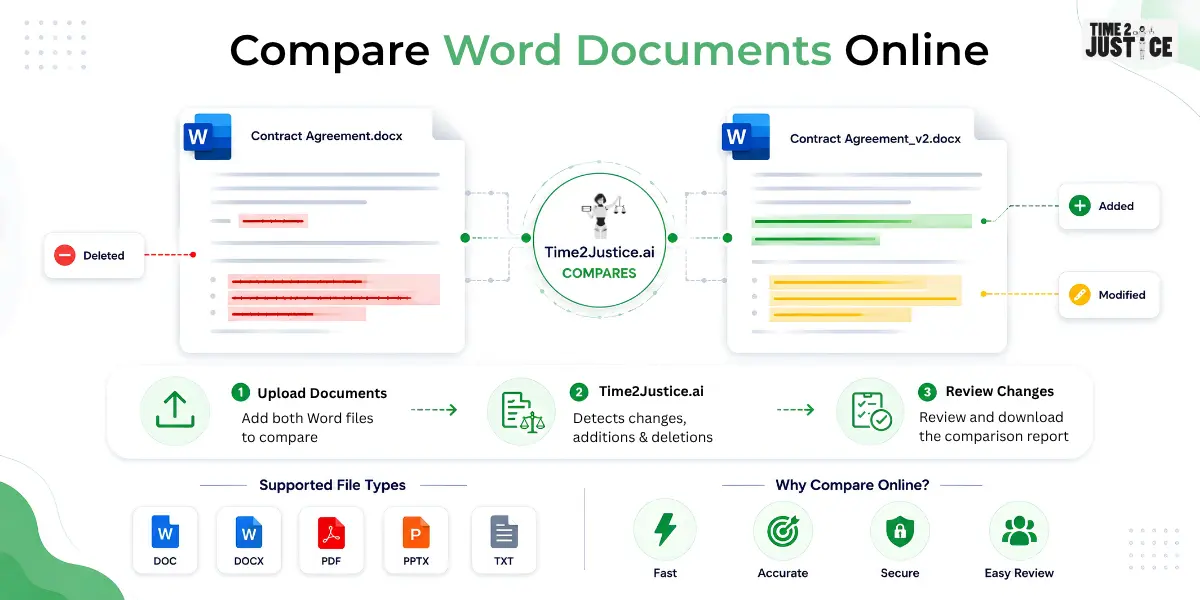
- Upload the original DOC or DOCX file.
- Upload the updated version.
- Start the comparison.
- Review highlighted additions, deletions and formatting changes.
- Save or download the comparison report.
Many online document comparison tools also support additional file formats, including PDF, PPTX, and TXT, making it easier to compare different types of business and legal documents from a single platform.
Method 3: Compare Word Documents Using AI
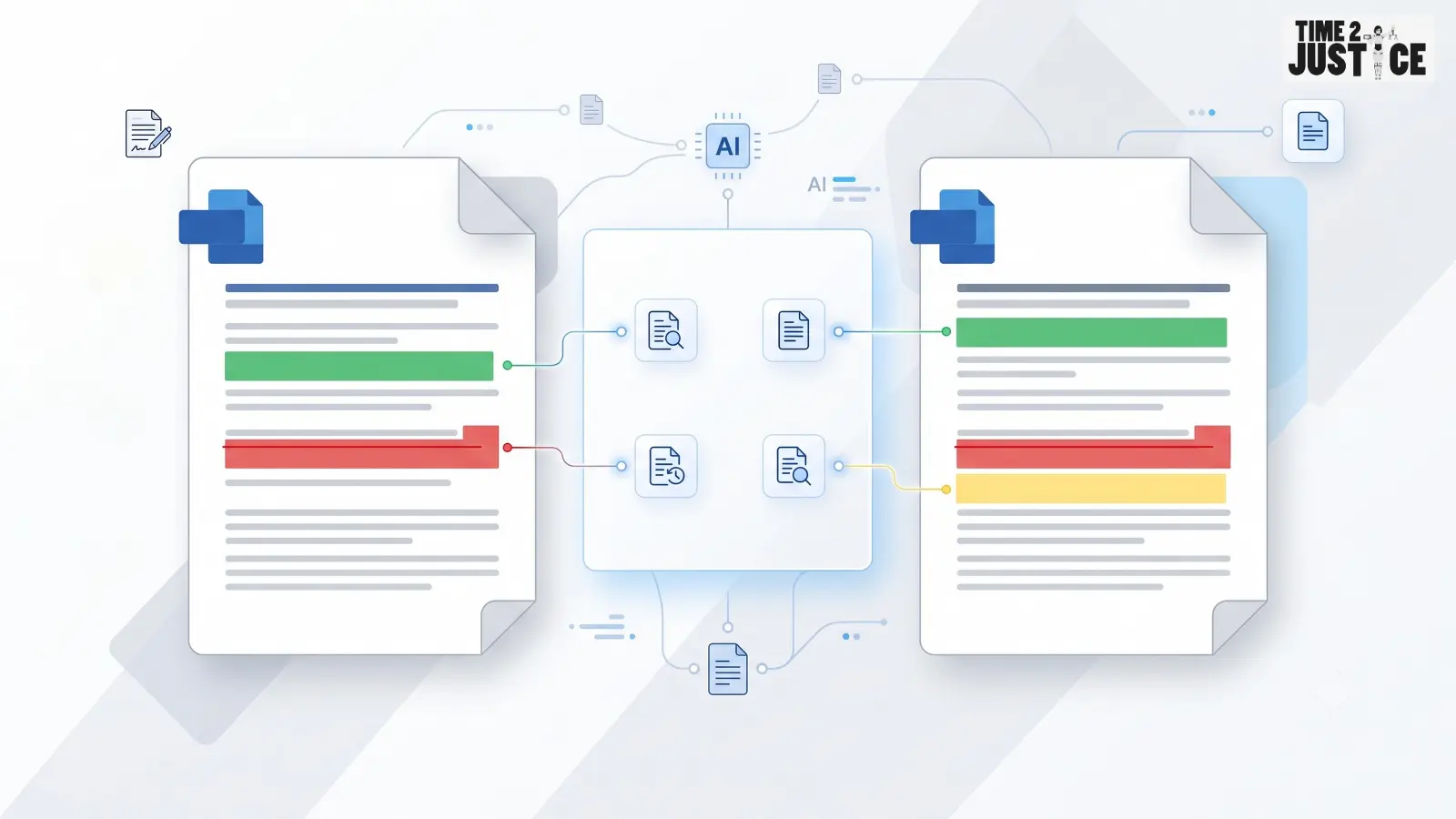
AI-powered document comparison goes beyond identifying simple text differences.
It can detect:
- Modified clauses
- Structural changes
- Missing sections
- Reordered paragraphs
- Formatting differences
- Contextual changes
AI comparison is especially useful for:
- Legal contracts
- Corporate agreements
- Vendor contracts
- HR policies
- Compliance documents
- Financial reports
- Business proposals
Unlike traditional comparison tools, AI-powered solutions help professionals understand what changed and why those changes matter, making document reviews faster and more reliable.
Manual Comparison vs AI Document Comparison
| Feature | Manual Review | AI Comparison |
|---|
| Speed | Slow | Fast |
| Accuracy | Moderate | High |
| Detects Small Changes | Limited | Yes |
| Best for Large Documents | No | Yes |
| Version Tracking | Manual | Automatic |
| Legal Document Review | Limited | Excellent |
Supported File Types
Modern document comparison platforms support a variety of file formats, allowing users to compare different types of documents from a single platform. Commonly supported formats include:
This flexibility makes it easier to review business, legal, HR, and compliance documents without switching between multiple tools.
If you specifically need to compare PDF documents, check out our guide on How to Compare Two PDF Files Online, where we explain different comparison methods, best practices, and how AI can simplify PDF document reviews.
Benefits of Comparing Word Documents Online
- Save time by reviewing revisions in minutes.
- Improve accuracy by automatically detecting changes.
- Maintain better version control.
- Reduce manual review effort.
- Improve collaboration across teams.
- Minimize the risk of overlooking important revisions.
Common Mistakes to Avoid
Comparing the Wrong Versions
Always ensure you're comparing the latest and correct versions.
Ignoring Formatting Changes
Formatting updates can indicate significant revisions.
Relying Only on Manual Review
Long documents are difficult to review manually.
Using Unsecured Tools
Choose trusted platforms when working with confidential information.
Best Practices
For accurate results:
- Compare the latest document versions.
- Keep the original file secure.
- Review highlighted changes carefully.
- Verify important legal clauses manually.
- Save comparison reports.
- Use trusted document comparison tools.
Who Should Compare Word Documents?
This guide is especially useful for:
- Lawyers
- Chartered Accountants
- Company Secretaries
- HR Teams
- Compliance Professionals
- Procurement Managers
- Business Owners
- Financial Consultants
How Time2Justice Helps Compare Documents
If you frequently review contracts, agreements, reports, HR policies, or other business documents, manually comparing multiple versions can be time-consuming and increase the risk of missing important changes.
Time2Justice's Compare Documents Online feature uses AI to quickly identify additions, deletions, formatting updates and clause-level changes across documents. It supports multiple file formats, including DOC, DOCX, PDF, PPTX and TXT, making it suitable for legal, compliance, HR and business workflows.
After comparing documents, you can use Summarise Document to get a quick overview of the key points and changes, making lengthy documents easier to understand. You can also use Query on Document to ask questions about specific clauses, sections, or document content, helping you review complex legal and business documents more efficiently.
Final Thoughts
Knowing how to compare Word documents online can help you review revisions more efficiently, improve accuracy, and reduce the risk of overlooking important changes. Whether you're comparing contracts, reports, HR policies, or business proposals, choosing the right comparison method can save time and streamline document review.
For professionals handling legal, compliance, finance, or business documents, AI-powered comparison provides deeper insights than traditional methods. Combined with document summarization and intelligent document querying, solutions like Time2Justice help simplify document review workflows while improving confidence in every revision.
Frequently Asked Questions
Can I compare Word documents online for free?
Many online document comparison tools offer free comparisons with limitations on file size or the number of comparisons.
Can I compare DOC and DOCX files?
Yes. Most modern document comparison tools support both DOC and DOCX formats.
Can I compare Word and PDF documents?
Some advanced document comparison platforms support multiple formats, including Word and PDF files.
What is the fastest way to compare Word documents?
Using an AI-powered document comparison tool is generally the fastest and most accurate approach.
Is AI better than manual document comparison?
For large or complex documents, AI-powered comparison is generally faster and more consistent. However, important legal decisions should still include a final human review.