How to Compare Documents Online: Step-by-Step Guide

Comparing two versions of a document is an essential part of reviewing contracts, business proposals, HR policies, compliance documents and legal agreements. Even a small change in wording can affect legal obligations, business terms, or internal policies.
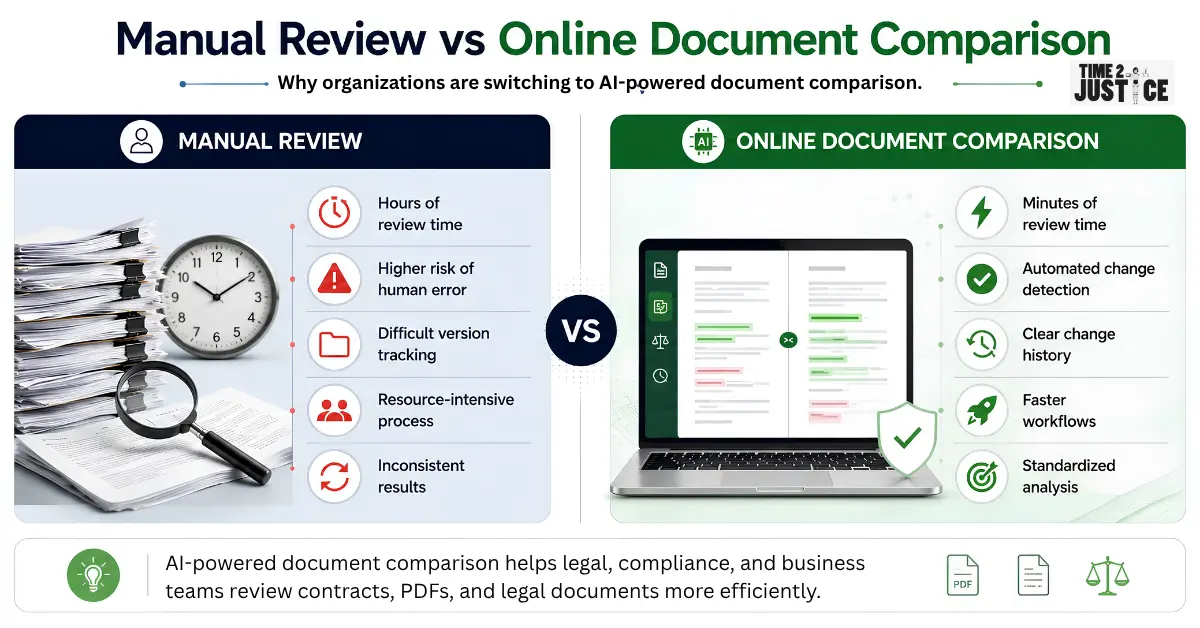
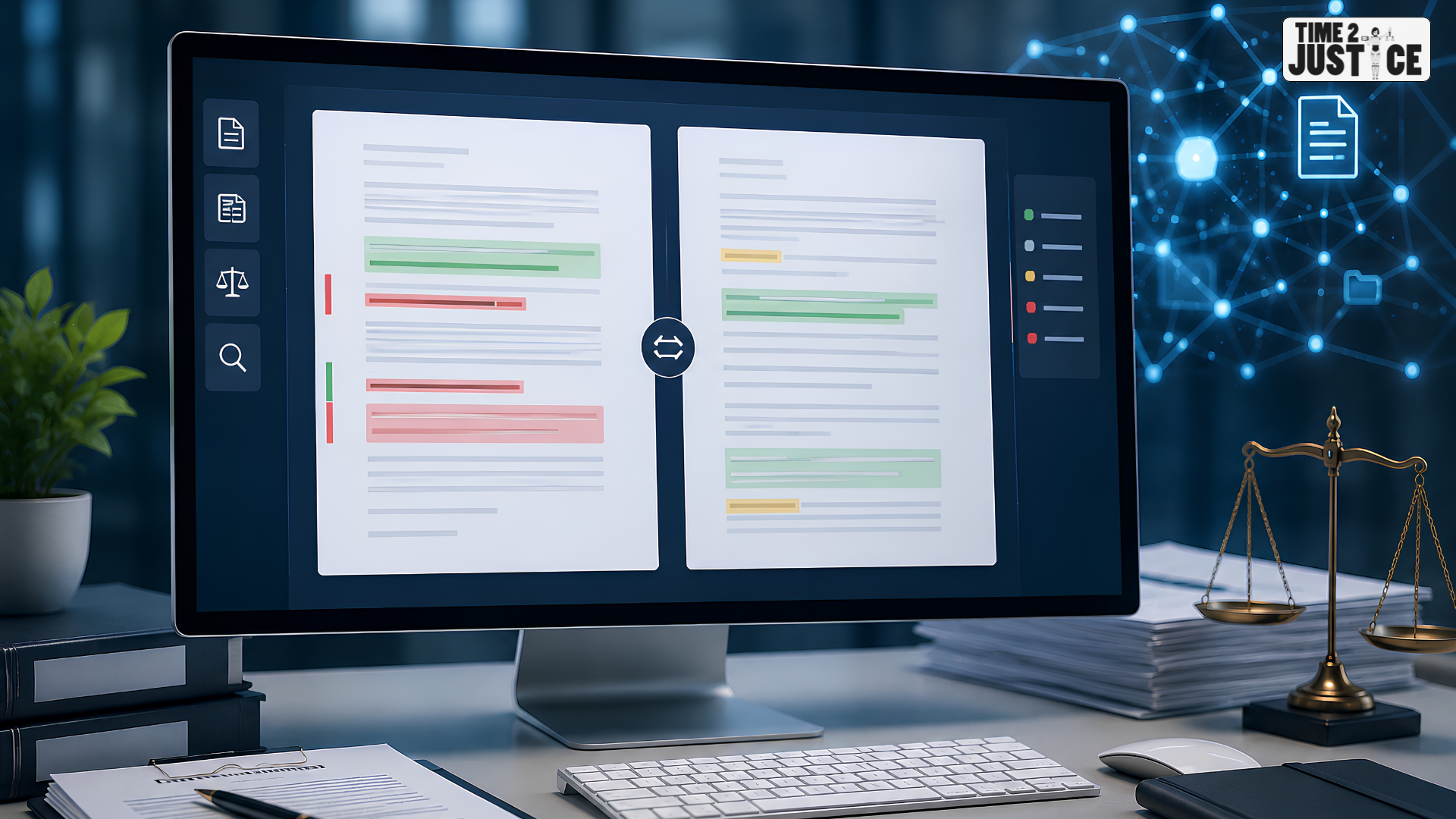
Instead of manually checking every page line by line, modern document comparison tools can quickly identify additions, deletions, formatting updates, and other important revisions. This helps save time, improve accuracy and reduce the risk of overlooking critical changes.
In this guide, you'll learn how to compare documents online, the different comparison methods available, common mistakes to avoid and best practices for reviewing document revisions efficiently.
What Is Document Comparison?
Document comparison is the process of analyzing two versions of the same document to identify differences between them.
These differences may include:
- Added or deleted text
- Modified sentences
- Formatting changes
- Updated clauses
- Structural revisions
- New sections
- Removed content
Instead of reviewing documents manually, comparison tools automatically highlight these changes, making the review process faster and more reliable.
Why Compare Documents Online?
Whether you're reviewing contracts, vendor agreements, compliance documents, HR policies, or business proposals, comparing document versions helps ensure that important changes aren't missed.
Some common use cases include:
- Reviewing legal contracts
- Comparing business proposals
- Updating company policies
- Vendor agreement reviews
- Compliance audits
- Financial reports
- Procurement documentation
- Employment agreements
Using an online document comparison tool helps teams review revisions more efficiently while improving accuracy and reducing manual effort.
How to Compare Documents Online
There are several ways to compare documents depending on your workflow and the complexity of the files.
Method 1: Compare Documents Manually
Open both versions of the document side by side and review them page by page. This method works for short documents but becomes difficult and time-consuming for larger files.
If you frequently review contracts, agreements, or business documents, using a dedicated Compare Documents Online tool can help you identify changes faster and more accurately.
About the Author
Neeraj Gutgutia
Co-founder, Time2Justice.ai
Neeraj Gutgutia is a Chartered Accountant and holds an MBA from IIM Indore. He has more than 25 years of experience working with companies like Reliance Industries, ICICI Bank, Hiranandani Group, and Right2Vote.